We all have the problem in large environments with many Palo Alto Firewalls that they just generate too many logs and it’s not manageable in the current state, at least it was not for me :-) I prefer the categorization the Palo Alto Firewall has, but it’s just too short (this list is from the official guide and its not uptodate.):
- crypto
- dhcp
- dnsproxy
- dos
- general
- global-protect
- ha
- hw
- nat
- ntpd
- pbf
- port
- pppoe
- ras
- routing
- satd
- sslmgr
- sslvpn
- userid
- url-filtering
- vpn
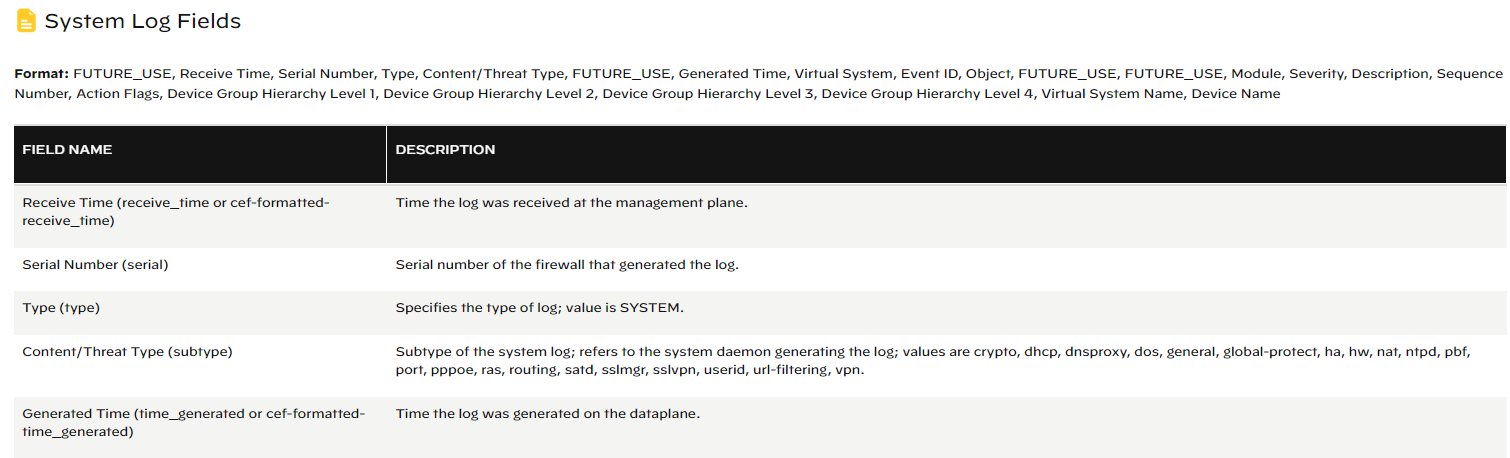
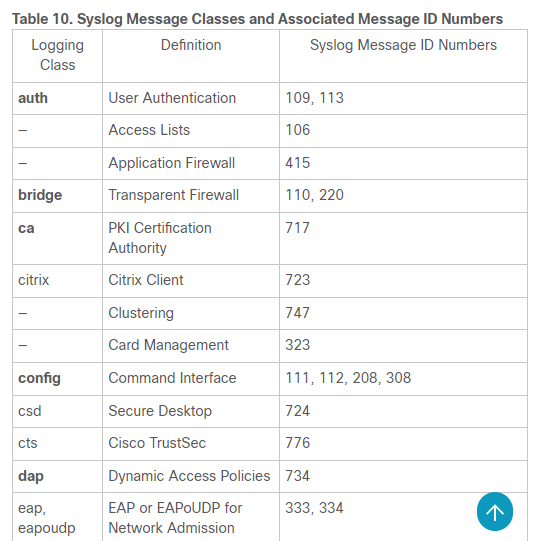
At a Cisco Firepower for example there are more classes but the associated ID lists and the unstructured field values makes it difficult to parse it. Here we have to do it for each syslog message that is very time consuming but possible. The advantage that Cisco has is that they document the syslog event and Palo Alto does not.
The problem that Palo Alto has is the too large number of events with the general subtype. This is the purpose of this post to demostrate how to extend the system events (logs) with logstash and generate further subtypes to get better visibility in millions of events quickly.
Let me show you a real example with numbers from system events generated by many Palo Alto firewalls:
Below we see the system events from ca. 2 weeks timeframe and its 2M+ events grouped by the subtype field:

Almost 50% of the logs are not classified by a specific subtype, its just named as general, so you cannot filter or group it to smaller groups and checking that amount of logs is timeconsuming.
Here are again the same event chart with my data enrichment that I have achieved by using logstash and grok filter:

I still have general subtype but I managed to go down to 10K events with subtype general, the other events have been recategorized to their new subtype that I have defined.
So far I have created 32 new subtypes and this covers almost 99% of the general subtype events:
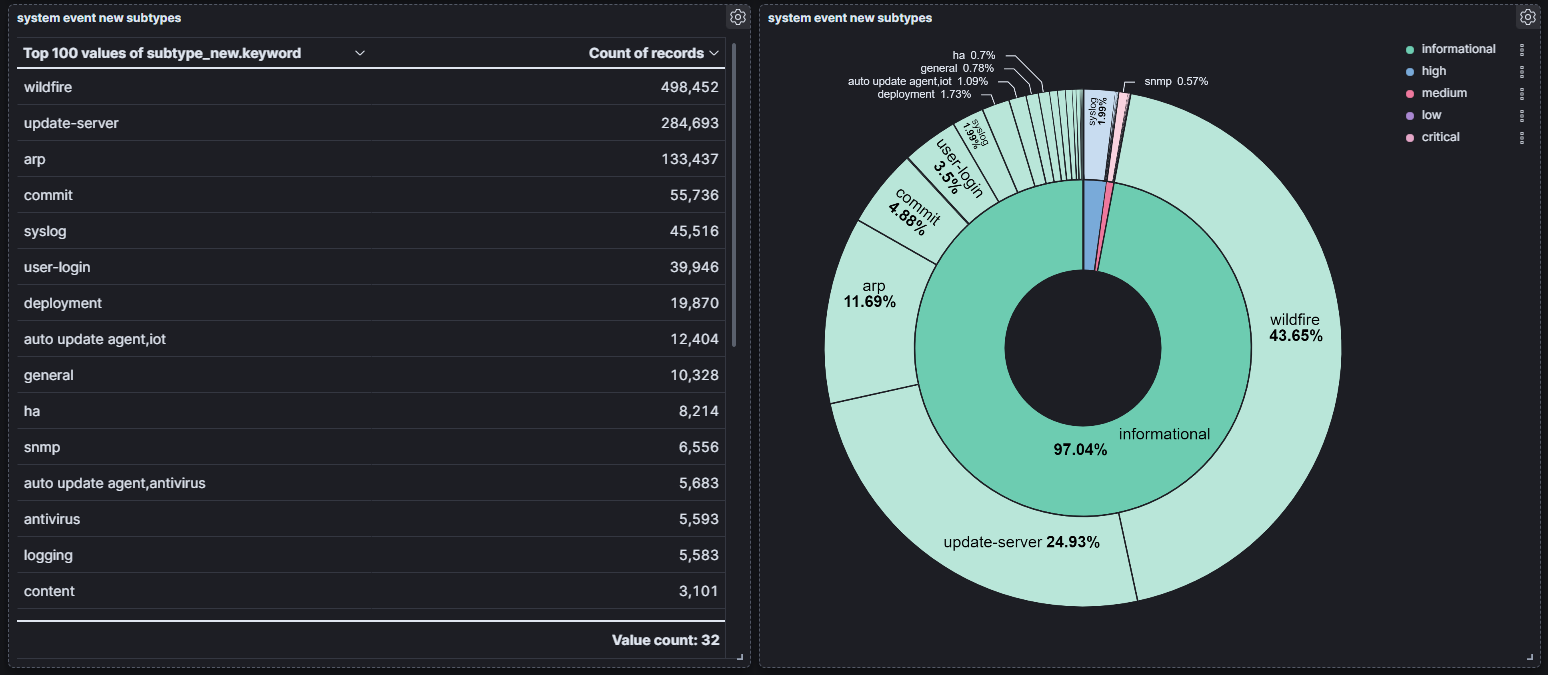
One example is the event with arp issue. its from the firewall perspective just an informational severity and its in the general subtype. Its hard to find it among the events, so I recategorized events where they alert something with arp problem.
Here is the full logstash config for system events only.

 itsecworks
Posted on July 6, 2023
0